Translate AI app icon

Speak, scan and translate with Translate AI

Translate AI: Voice & Text helps two people who speak different languages understand each other. Speak, type or point your camera and get translations in a moment.

Two-way voice translation, text & camera translate and travel phrases.
Translate AI screenTranslate AI screen
What Translate AI offers

One app for voice, camera and text

Two-way voice translation, text & camera translate and travel phrases.

Voice Translator

Just speak — the app listens, translates and reads the result aloud. Great for travel, calls and quick questions.

Conversation Mode

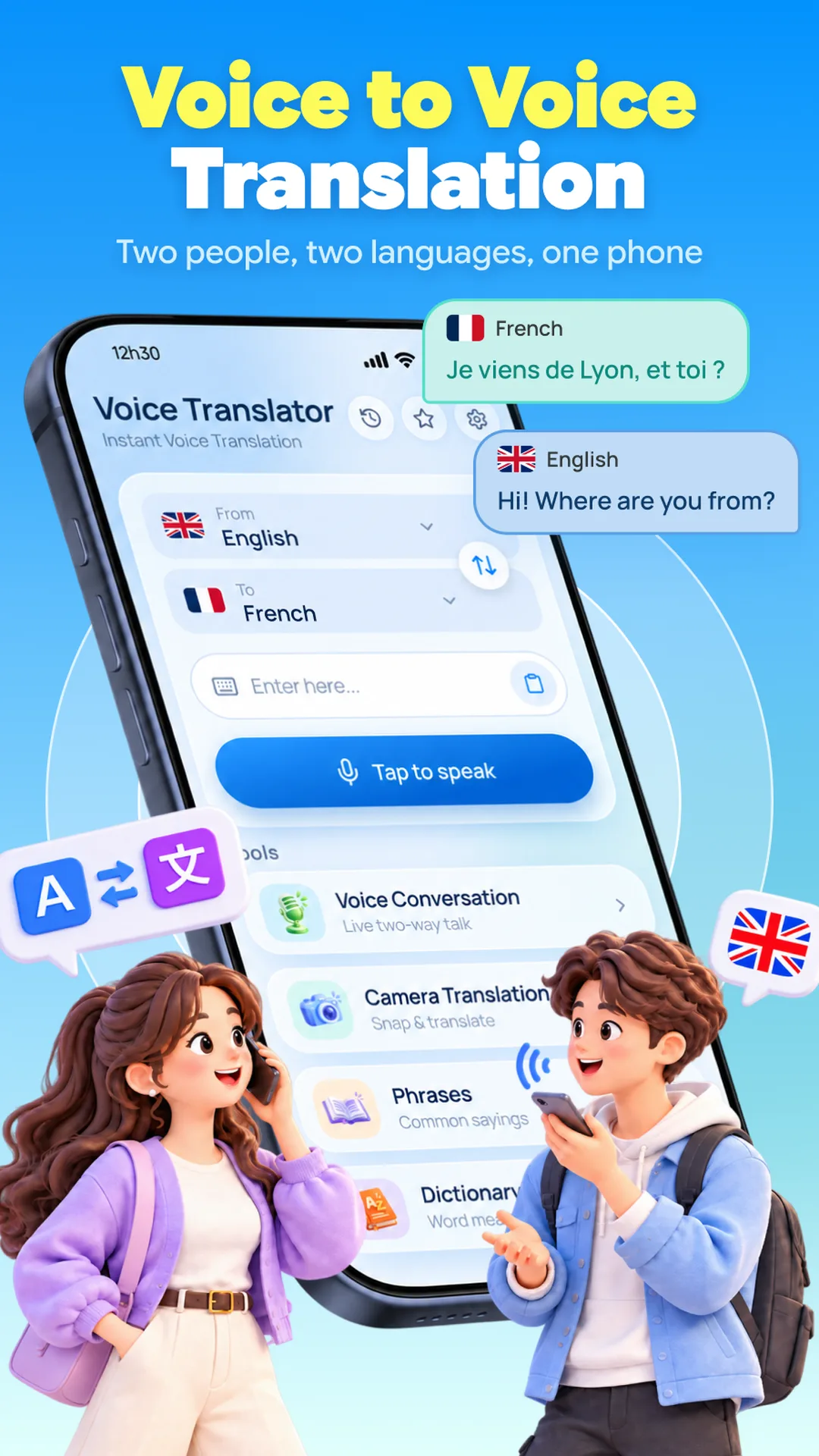
Hold a two-way conversation: each person speaks in turn and both sides appear translated on one screen.

Camera & Photo Translate

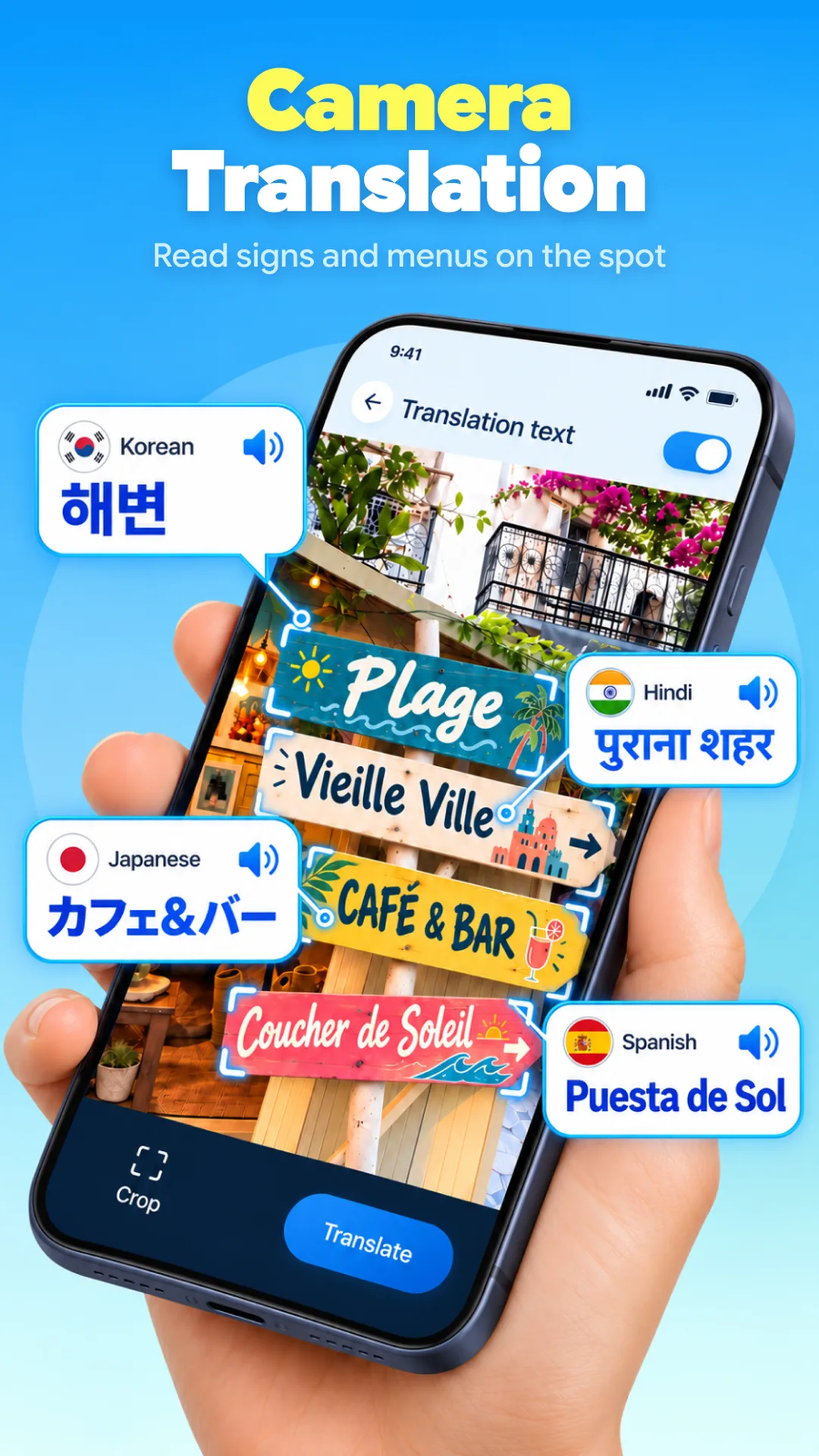
Point your camera or pick a photo to translate signs, menus and notices on the spot.

Text Translator

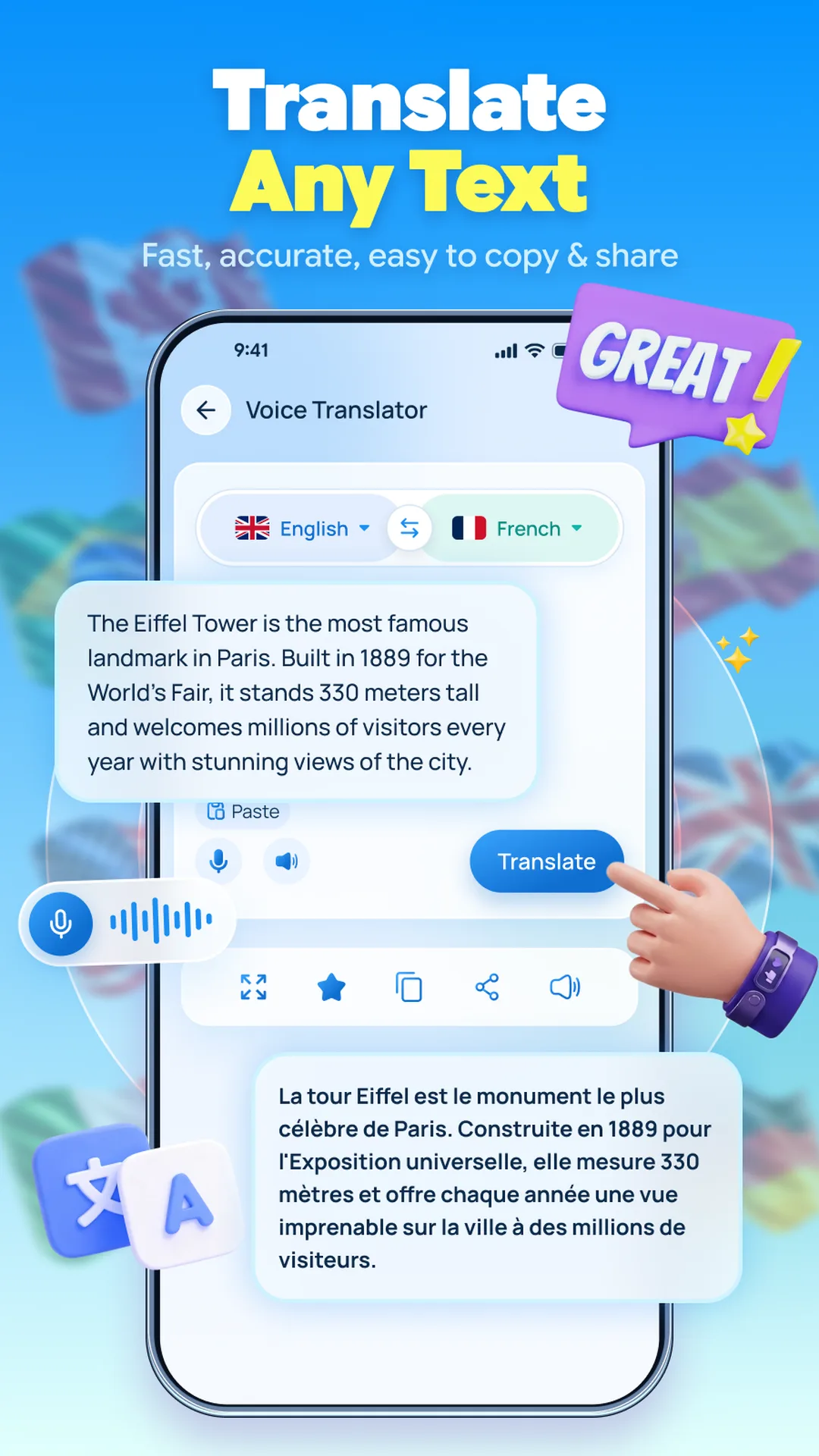
Type, paste or copy any text and translate it in seconds, then swap languages, copy or share.

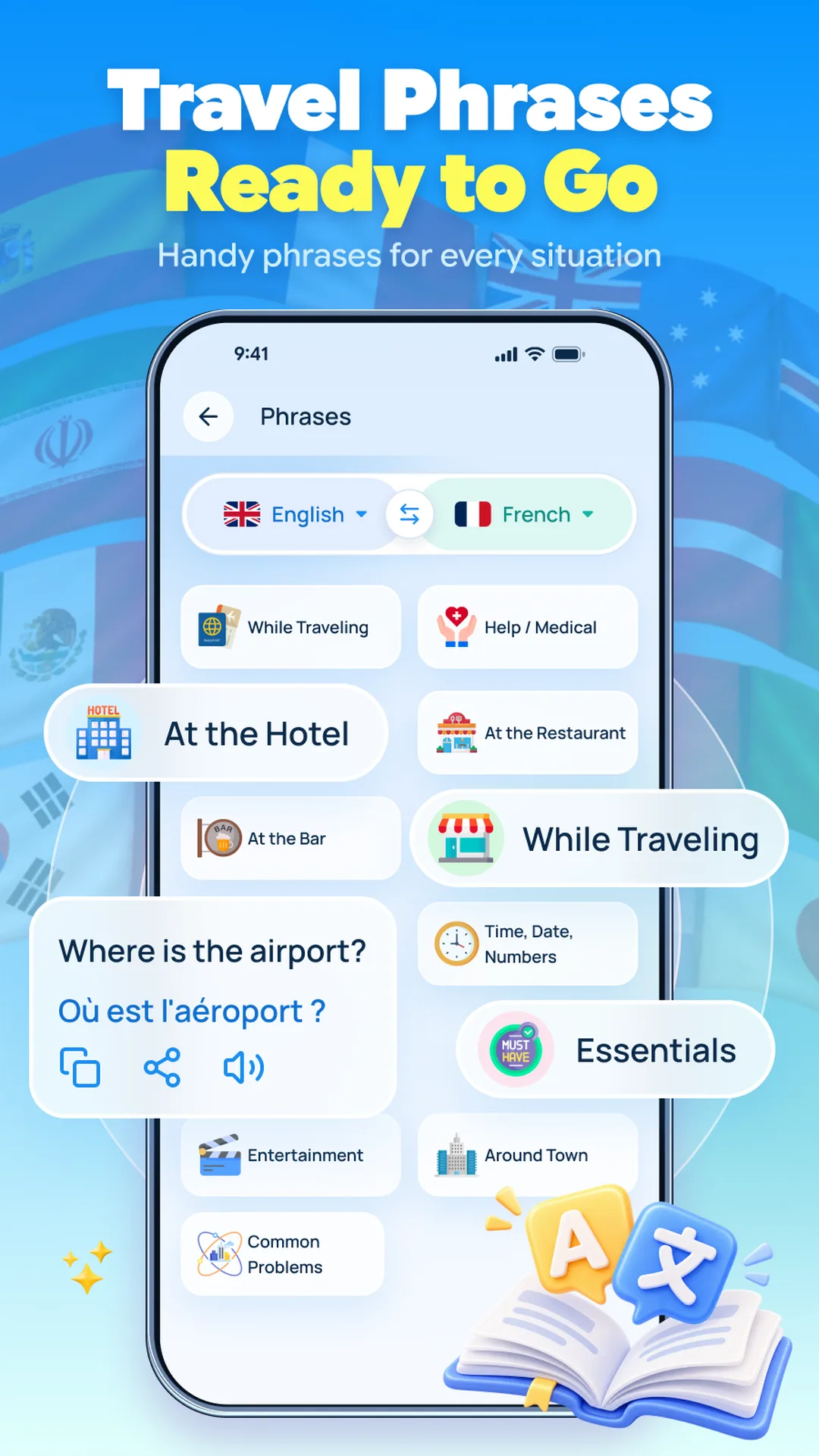
Travel Phrases

Ready-made phrases sorted by situation — airport, hotel, shop or doctor — playable aloud.

Dictionary & History

Look up meanings, word types and examples, and reuse your recent translations any time.
Take a look

A peek inside the app

Every screen below is a real part of Translate AI.

Translate AI screen 1
Voice Translation
Translate AI screen 2
Two-Way Conversation
Translate AI screen 3
Camera Translate
Translate AI screen 4
Travel Phrases
Translate AI screen 5
Text & Dictionary

You control what gets translated

Voice translation uses the microphone only while you tap to speak, and camera translation uses the camera only to scan text you point at — never in the background. You can use the app without creating an account.

The text, voice and images you choose to translate are sent to translation services only to produce your translation. Your chosen languages, settings and recent translations stay on your device. The app is free with ads and may offer optional unlocks via Google Play Billing.

  • The microphone is used only while you tap to speak.
  • The camera is used only to scan text you point at.
  • Content you translate is sent to translation services only to translate it.
  • No account needed; your history & settings stay on your device.
  • Free with ads; optional purchases via Google Play Billing.
Please note. Translate AI uses automated machine translation, which is convenient but may not always be perfect or complete. It is intended for general understanding and everyday communication — not for legal, medical, financial or other professional use. Please double-check anything important.
Translate AI icon

Break the language barrier with Translate AI

Voice, camera, text, phrases and a dictionary in one app. Download Translate AI and start translating.